Kumihimo
組紐 — many threads in, one cord out.
Kumihimo is the Japanese craft of braiding many separate threads into a single cord. This tool does the same to plans: you lay out an engineering plan (or a research plan, or any plan) as a graph of plain-text files, and Kumihimo braids that graph into a single, well-ordered prompt an LLM or coding agent can act on.
- See it.
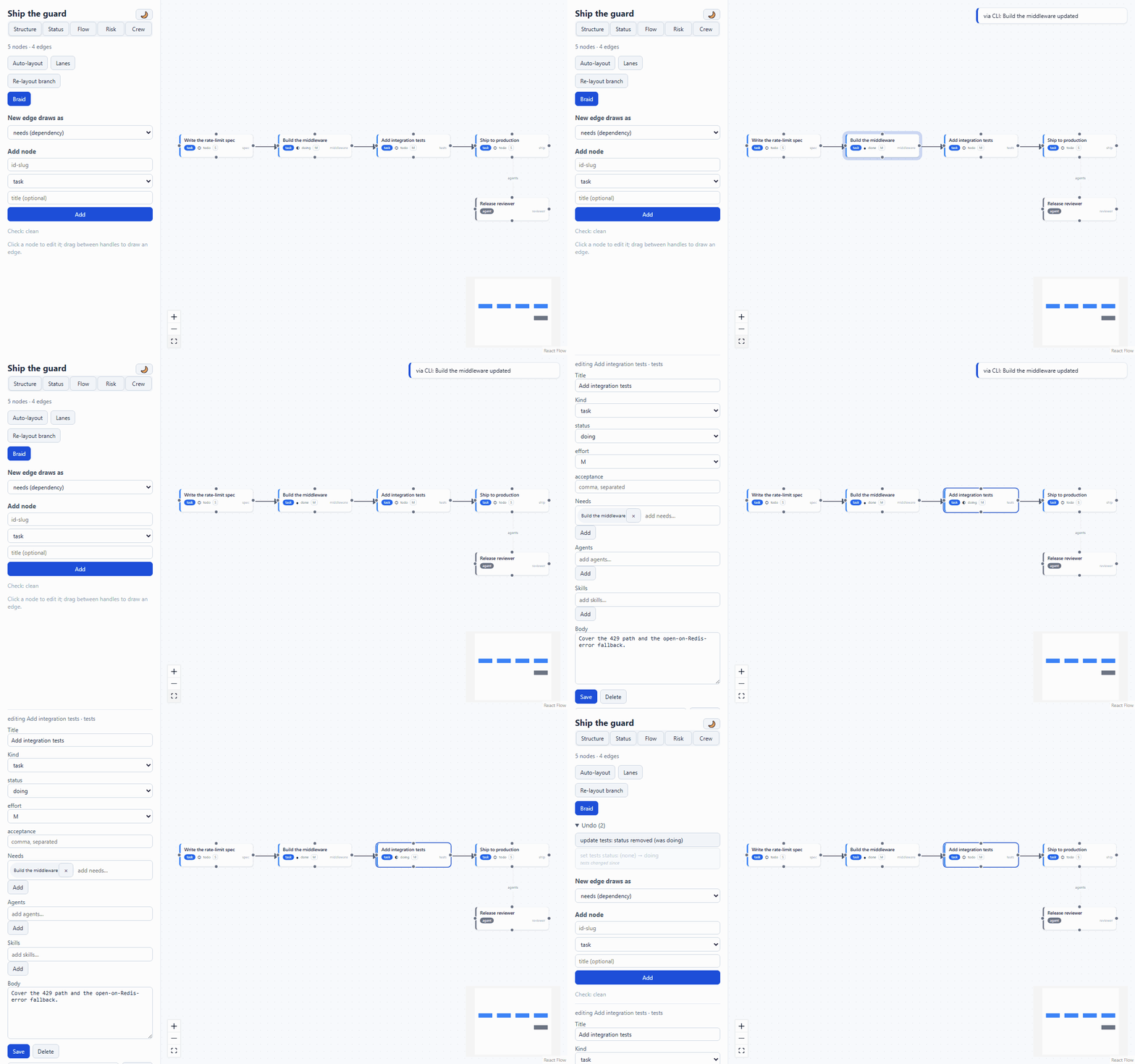
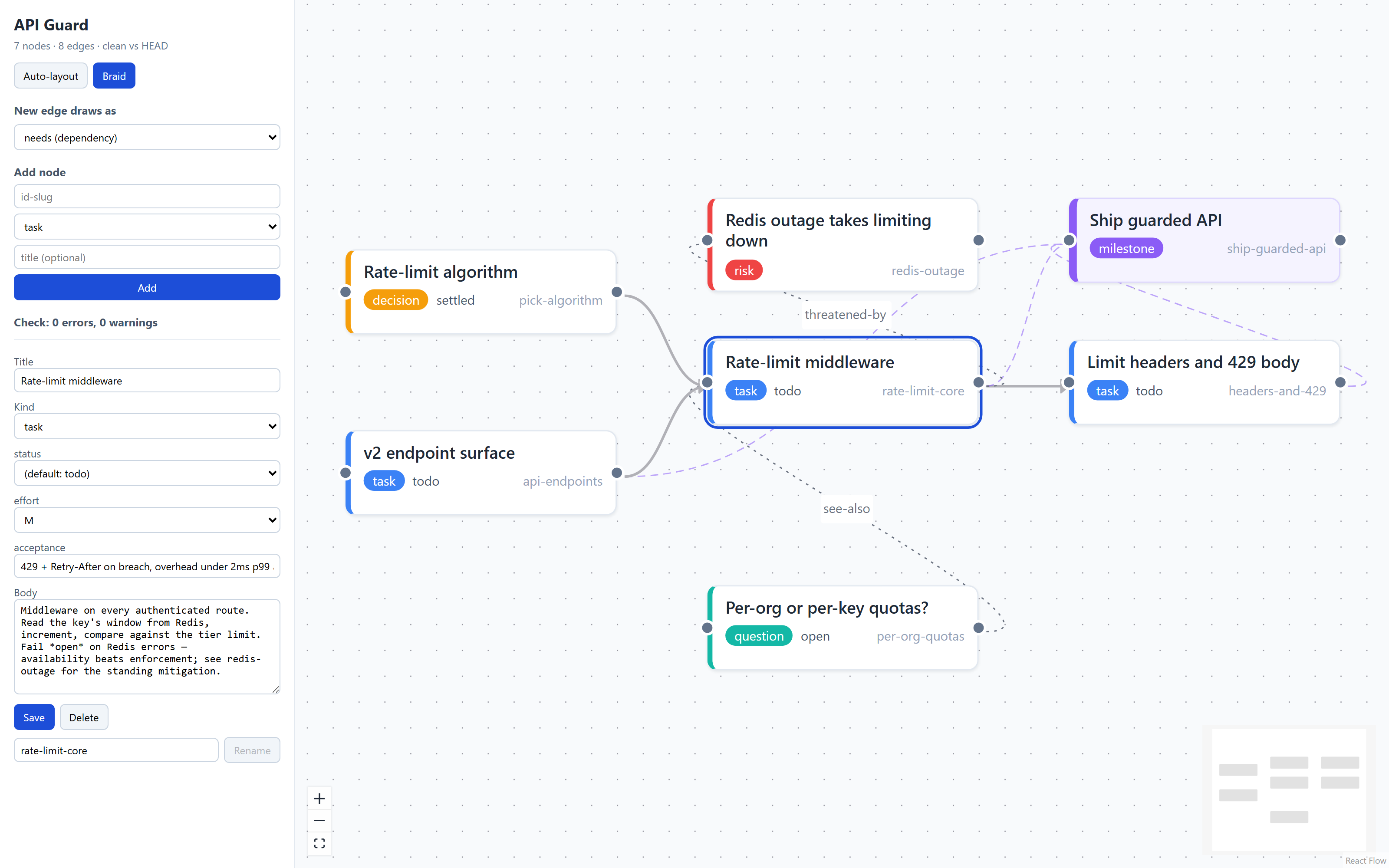
kumihimo editopens a live canvas: kind-colored nodes, dependency and membership edges, drag to arrange, click to edit. The canvas follows the files — edit a node in vim and watch it move. - Braid it.
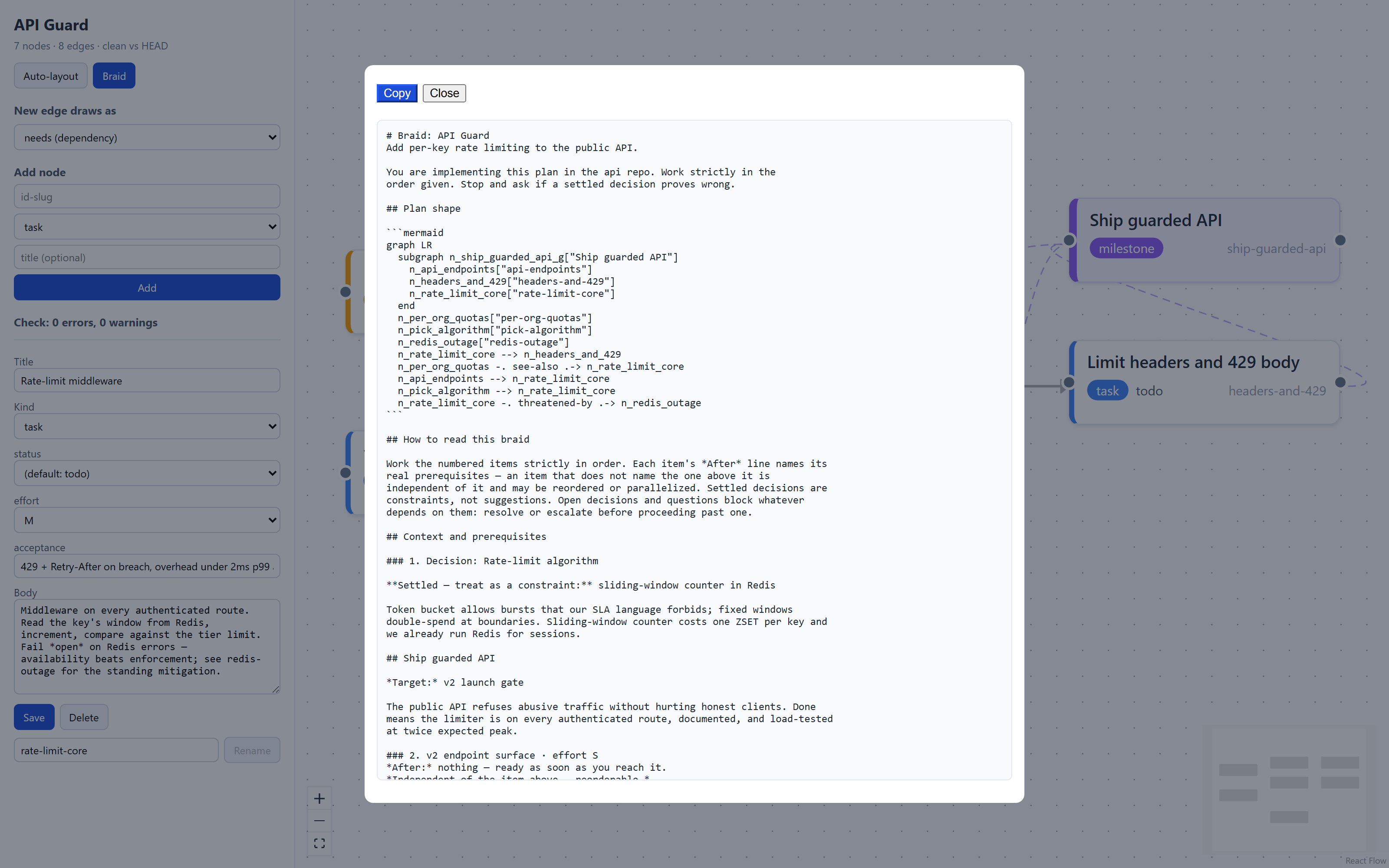
kumihimo braidcompiles the graph into one deterministic prompt: topologically ordered, sectioned by milestone, every item stating its real prerequisites, with the graph's own diagram embedded. - Let Claude drive it.
kumihimo mcpserves the whole plan over MCP — twelve tools for reading, restructuring, validating, braiding, and listing the crew — so an agent can maintain the plan it executes.
The files are the only source of truth. The editor, the CLI, and the MCP server are thin clients over one operations layer; everything lives in git and diffs cleanly.
Ten minutes to your first braid
Kumihimo is not on a package index yet — install from source. Python 3.11+;
Node 18+ only for the live canvas (skip the npm line and everything but
kumihimo edit's graph still works):
git clone https://github.com/tzavislan/kumihimo
cd kumihimo
cd frontend && npm install && npm run build && cd ..
pip install .
Make a plan and look at it:
kumihimo new myplan
kumihimo edit myplan        # opens the canvas at 127.0.0.1:8720
Add a few threads — nodes are Markdown files; the CLI, the canvas, and your text editor are all equivalent ways to make them:
kumihimo add myplan design --kind decision --title "Storage layout" \
  --field status=settled --field "choice=one markdown file per node" \
  --body "Chosen for clean diffs and mergeable plans."
kumihimo add myplan build --kind task --title "Build the loader" \
  --needs design --field effort=M --body "Parse the folder into a graph."
kumihimo add myplan verify --kind task --title "Round-trip test" \
  --needs build --field "acceptance=load then save changes nothing"
Keep it honest, then pull the cord:
kumihimo check myplan       # cycles, dangling edges, field breaches, orphans
kumihimo braid myplan       # one prompt on stdout — paste it into your agent
The braid opens with your plan's preamble, embeds the graph as a Mermaid diagram, and walks the nodes in dependency order — settled decisions stated as constraints, every task carrying an honest After: line and a Done when: checklist:
Where to go next
- Concepts — the graph model, kinds, and how the braid thinks.
- Custom kinds — the core is domain-agnostic; define your own node kinds and templates in the manifest.
- Claude over MCP — let an agent maintain the plan.
- File formats — everything on disk, specified.